BTC/USDTInstitutional accumulationAI behavior verdict
+2.84%AI trading bot command center
Autonomous Intelligence. Institutional Execution.
// SIGNALPILOT v2.0: CHANNELS, BOTS, AND RISK RECONCILED
A desktop-class Command Console Canvas for exchange-connected analytics, source-to-test signal lab work, AI behavior verdicts, and human-approved bot execution.
BTC/USDT$109,687.6+1.09%
SOL/USDT$176.34+1.09%
ETH/USDT$2,687.2-2.01%
Exchange telemetry
AI behavior verdict
Manual approval
AI bot approval runwayArmed
Exchange telemetryLive
Source tests16
The Tactical Signal Stream
The Intelligence Blade
Signal cards hydrate as the page scrolls, combining exchange telemetry, chart context, source quality, and AI behavior verdicts before the bot ever reaches approval.
SOL/USDTGrid pressure detectedExchange telemetry
+1.09%ETH/USDTRisk compressionChart risk lens
-0.42%LINK/USDTSource quality confirmedSource-to-test pipeline
+3.18%The Bot Neural Array
DCA Bot, Grid Bot, and Premium AI Bot under one execution cortex.
DCA Bot
Budget-weighted entries with drawdown-aware approvals.
Cycle health92
Grid Bot
Volatility rails, spacing discipline, and exchange order context.
Grid integrity88
Premium AI Bot
AI trading bot command with behavior fit and manual execution runway.
Deciphered edge94
AI bot approval runway
Connect exchange and full analytics from chart to AI behavior.
The web command center brings the iPad workflow into a premium browser surface: market context, exchange telemetry, source quality, lab results, behavior fit, and a manual approval gate in one place.
Last update2 min ago
BTC/USDT$104,820+2.9%
ETH/USDT$3,920+4.1%
SOL/USDT$218-1.2%
XRP/USDT$2.44+0.8%
AI Trading Bot
Manual approvalBehavior fit84
Exposure heat46
Source-to-test pipeline
Execution gateExchange telemetryRead-only sync ready
Source qualityParser score 91
Forward test30 days queued
AI behavior verdictReady for staged approval
AI Trading Bot command
Stage DCA and grid bot plans, read the order chart, refresh bot reports, and keep every live action behind explicit approval.
Exchange-connected analytics
Connect exchanges for balances, orders, trade history, chart context, portfolio risk, and AI behavior insights in one web terminal.
Source-to-test signal lab
Connect Telegram or website sources, score parser quality, track outcomes, then backtest and forward test before execution.
Bot first, iPad parity
Every native surface supports the AI trading bot workflow.
Home Command Center
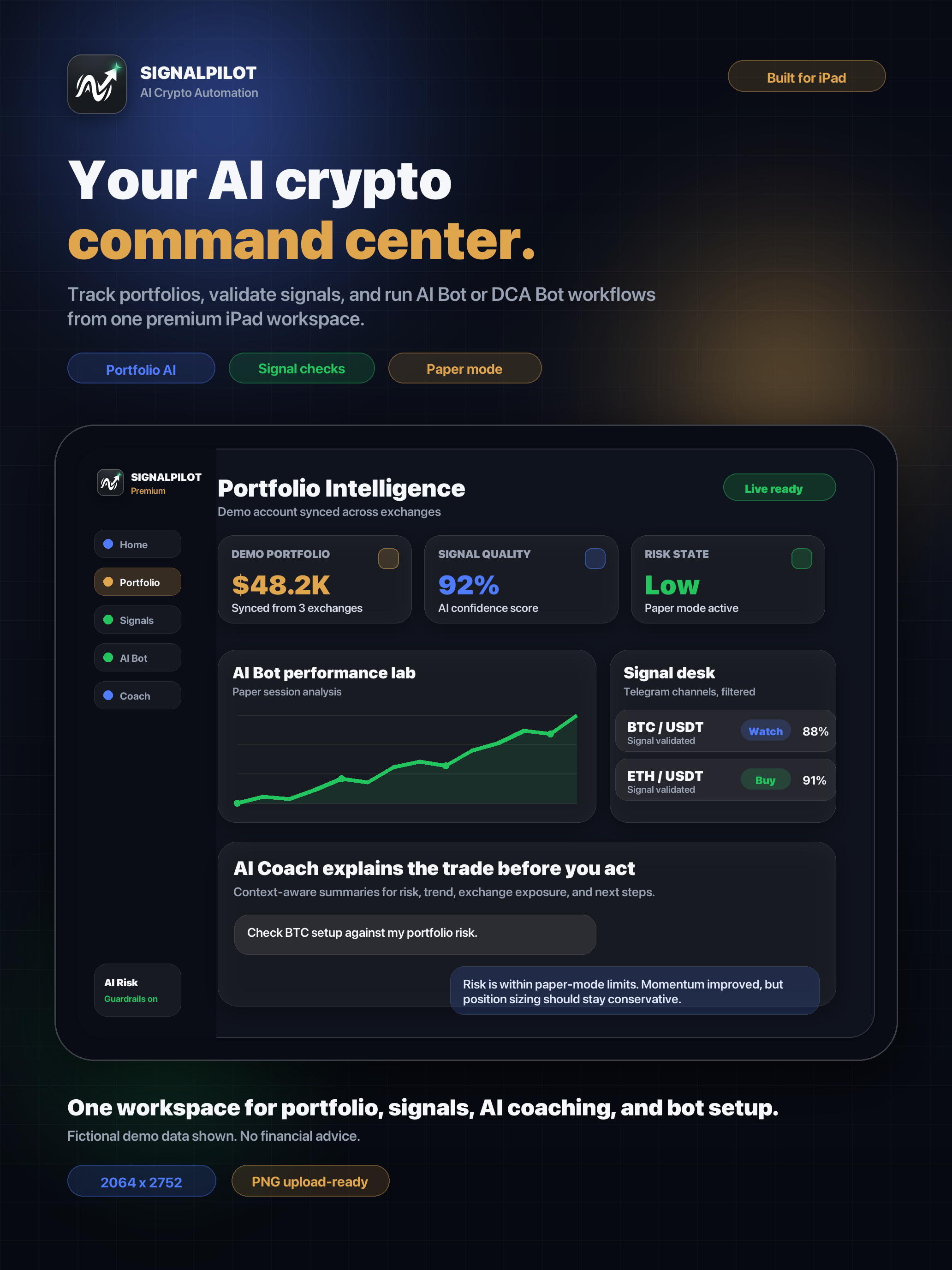
A premium launch surface for portfolio health, active signals, AI guidance, and setup progress.
Portfolio Terminal
A web terminal for balances, holdings, exchange connections, orders, sync status, and risk reports.
Behavior Insights
Pattern recognition for trading discipline, mistakes, strengths, recommendations, and monthly charts.
Signals Hub
Source setup, connected channels, parsing quality, live tracking, reliability, and signal archive.
AI Bot Command
A controlled command center for AI trade plans, auto-execution simulation, and order diagnostics.
AI Coach
Conversational coaching tied to portfolio, signal, and behavioral context, with history and prompt library.
Signal Lab
Backtesting, forward comparisons, channel rankings, analytics, and lab session detail.
Settings
Subscription controls, Islamic mode, support cases, default landing tab, and account preferences.
Growth behavior system
Understand how users move from source setup to bot activation.
Track first login, exchange connection, source setup, lab test creation, and bot command readiness.
Compare users by signal review depth, chart interaction, coach usage, and test-to-execution progress.
Connect plan tier, Stripe status, feature adoption, support cases, and operator growth lenses.
AI Trading Bot SEO library
Guides for bot execution, exchange analytics, and source-to-test validation.
AI Trading Bot
Connect exchange analytics to an AI trading bot before approving crypto automation
A practical AI trading bot workflow for connecting exchanges, checking balances and orders, reading chart analytics, and reviewing AI behavior before approval.
8 min read
AI Trading Bot
AI trading bot approval workflow with exchange analytics and behavior checks
Design an AI trading bot workflow that connects exchange analytics, chart context, source testing, behavior checks, and manual approval before crypto execution.
8 min read
AI Trading Bot
How an AI trading bot command center connects exchange analytics, charts, and user behavior
A bot-first guide to connecting exchanges, reading chart and order context, using AI behavior insights, and testing signals before approving crypto automation.
7 min readLaunch questions
Clear answers before you open the command center.
Is SignalPilot a website or an iPad app?
It is both. The web experience converts the iPad command center into a premium browser workspace with the same core views for signals, portfolio risk, AI Coach, bots, Signal Lab, and settings.
How does Apple Sign In work on web?
Apple Sign In runs through Firebase Auth using the apple.com provider, so the website can share account identity with Firebase callable functions, subscription state, and the native app account model.
Are Stripe payments handled in the browser?
No. The browser calls Firebase Functions to create Stripe Checkout and Billing Portal sessions. Secret keys stay in Firebase Secret Manager, and Stripe webhooks sync subscription state back to the workspace.
Does the website provide financial advice?
No. SignalPilot is a decision-support workspace for reviewing signals, risk, behavior, and automation context. Trading decisions and exchange permissions remain under the user control.